Laptop problems can be frustrating, especially when your device suddenly stops turning on, refuses to charge, shows no display, or shuts down without warning. Although these symptoms may seem serious, they do not always mean that the entire motherboard must be replaced. In many cases, the problem may be caused by one small component or a damaged circuit.
This is where chip-level laptop repair can provide a practical and cost-effective solution.
What Is Chip-Level Repair?
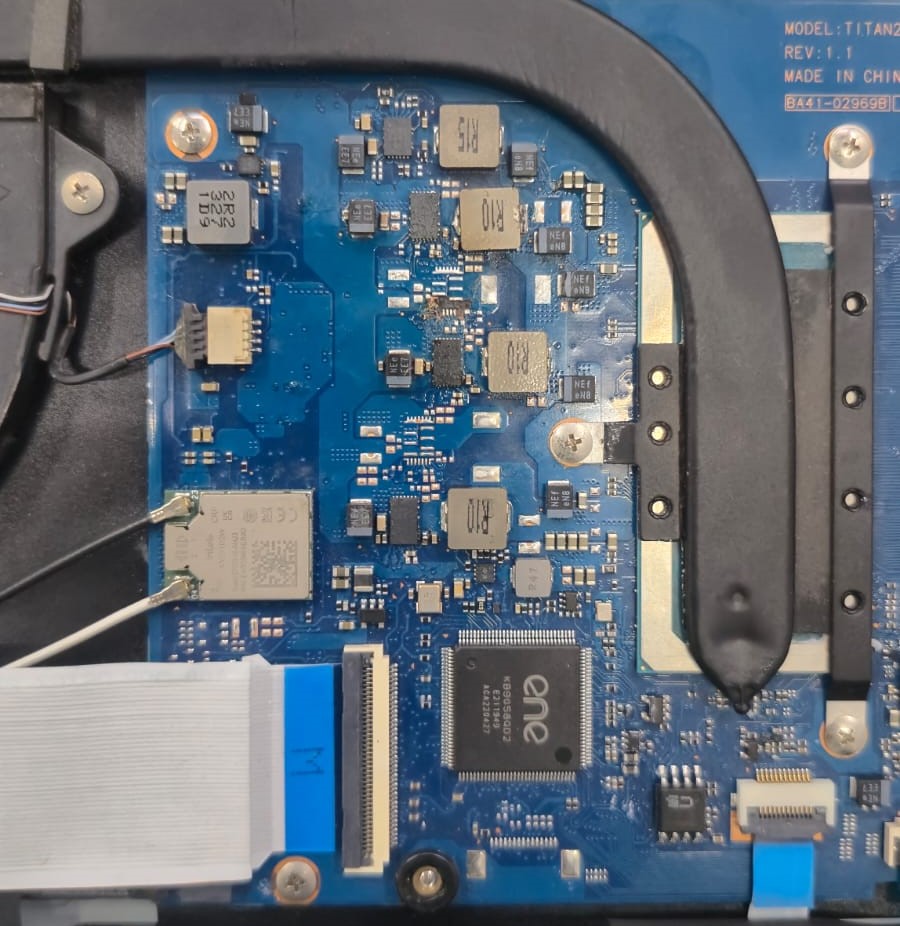
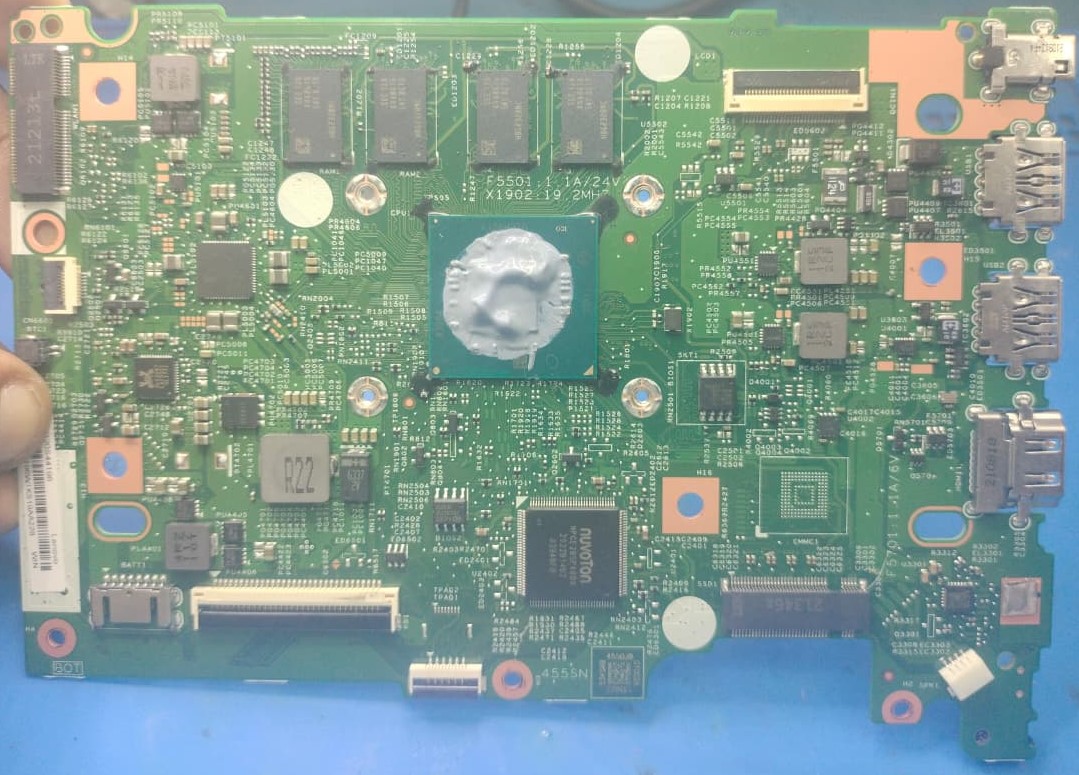
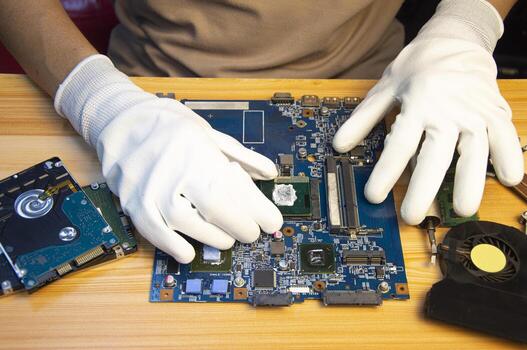
Chip-level repair involves diagnosing and repairing individual components on a laptop motherboard instead of replacing the complete board. Using specialized tools and testing equipment, technicians inspect the motherboard to locate the exact source of the failure.
Common components that may require repair include power ICs, charging ICs, MOSFETs, capacitors, BIOS circuits, and other power or signal-related components. If the damaged section can be identified and repaired safely, the cost may be significantly lower than purchasing a replacement motherboard.
Common Problems That May Require Chip-Level Repair
Laptop Not Turning On
If your laptop shows no response when you press the power button, the motherboard’s power section may be affected. Possible causes include short circuits, faulty power ICs, damaged MOSFETs, failed capacitors, or problems with the main power rails.
A technician can test the board to determine where the power sequence is failing.
Laptop Not Charging
A laptop that does not charge may have a faulty battery, charger, or charging connector. However, the motherboard’s charging circuit may also be responsible.
Damaged charging ICs, MOSFETs, or related components can prevent the battery from charging correctly. Proper diagnosis helps identify whether the issue is external or located on the motherboard.
Laptop Turns On but Shows No Display
Sometimes a laptop powers on, the fan spins, and indicator lights appear, but the screen remains blank. This may be caused by a damaged display, faulty cable, RAM problems, BIOS issues, GPU faults, or motherboard power and signal failures.
If the screen and external components are working properly, chip-level diagnosis may be necessary.
Unexpected Shutdowns
Sudden shutdowns can result from overheating, software errors, battery problems, or motherboard faults. If cleaning and thermal servicing do not solve the issue, the power delivery circuits should be tested.
Intermittent Power Problems
Some faults are difficult to identify because the laptop works occasionally and fails at other times. Random restarts, intermittent charging, sudden power loss, or unusual LED behavior may indicate an unstable component or circuit.
Repair or Replacement?
Motherboard replacement is not always the best option. Chip-level repair may be suitable when the faulty component can be identified, the board is otherwise healthy, and repairing the affected circuit is safe and economical.
However, not every motherboard can be repaired at component level. The correct decision depends on the board’s condition and the type of failure.
Why Diagnosis Matters
Replacing a motherboard without identifying the actual cause can be expensive and may not solve the problem. Professional diagnosis includes testing power rails, short circuits, charging systems, BIOS-related circuits, and component behavior.
Final Thoughts
No power, charging failure, no display, unexpected shutdowns, and intermittent operation may all indicate motherboard problems. However, these symptoms do not automatically mean replacement is necessary.
Diagnose first, repair if possible, and replace only when required. A qualified chip-level repair technician can identify the real fault and recommend the most practical solution for your laptop.