A PlayStation 5 that powers on but shows no image on the TV can be a frustrating problem, especially when the console contains a valuable collection of installed games and saved data.
Recently, we received a PS5 with a no-display issue. The console was powering on normally, but there was no video output on the connected display.
Instead of immediately recommending a motherboard replacement or suggesting that the customer reset the console, we followed a systematic diagnostic and repair process.
The Problem: PS5 Powers On but No Image
The console was turning on, indicating that it was receiving power and starting up. However, the TV was not receiving a usable video signal.
A no-display problem can have several possible causes, including:
- HDMI-related faults
- Damaged or failed motherboard components
- Power-related issues
- Video signal circuit problems
- Physical or electrical damage
- Faults around the HDMI interface
Step 1: Complete Internal Cleaning
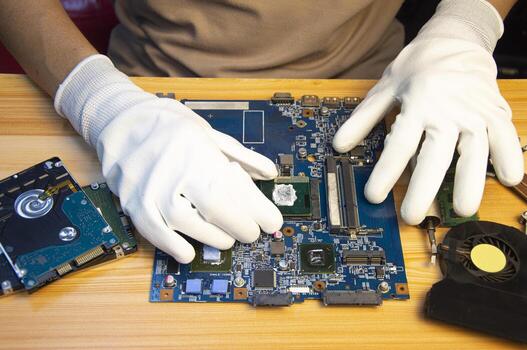
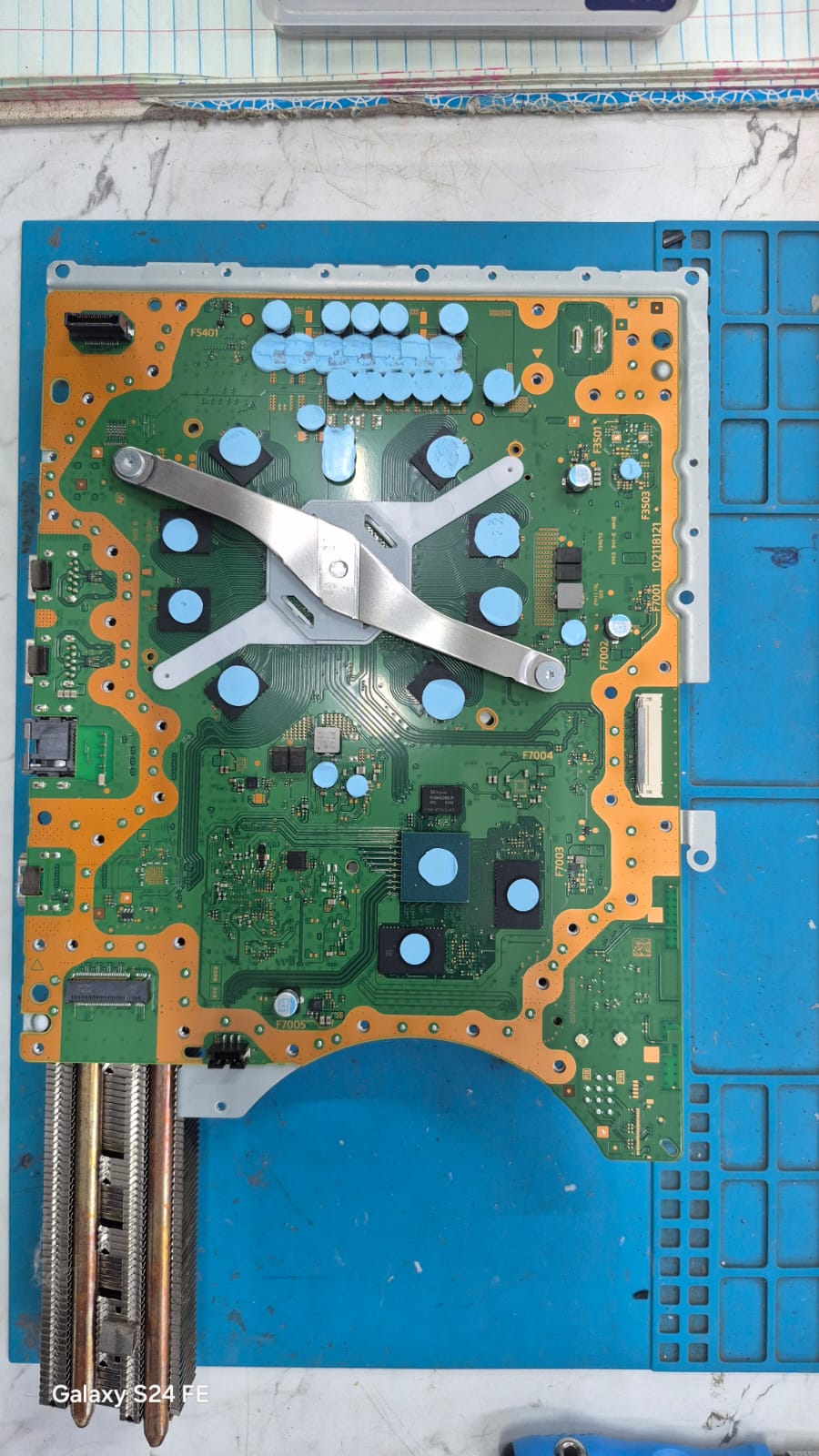
We started with a thorough inspection and cleaning of the PS5 motherboard.
Dust and contamination can affect cooling and, in some situations, contribute to hardware problems. A clean board also allows the technician to properly inspect the components and identify visible signs of damage.
The console was completely cleaned before proceeding with detailed motherboard diagnostics.
Step 2: Detailed Chip-Level Diagnosis
After cleaning, we carried out a chip-level diagnosis of the motherboard.
Rather than replacing the complete motherboard, we examined the relevant circuits and components responsible for the console's operation and video output.
Chip-level repair requires careful testing to identify the actual faulty section. Once the problem was isolated, the required motherboard-level repair was performed.
Step 3: Testing the Console
After completing the repair, the PS5 was reassembled and tested thoroughly.
The console successfully powered on and video output was restored.
We also verified that the system was functioning normally after the repair.
The Best Part: The Games Were Preserved
One of the customer's major concerns was the data already stored on the console.
Fortunately, the repair did not require replacing the storage or performing a factory reset.
The customer's installed games and stored data remained intact, allowing the PS5 to return to normal use without losing the existing game library.
What This Repair Demonstrates
A PS5 that turns on but shows no display does not automatically mean that the entire motherboard needs to be replaced.
Depending on the actual fault, component-level or chip-level repair may be possible.
The key is to perform a proper diagnosis before deciding on an expensive replacement.
PS5 No Display? Get It Diagnosed First
If your PS5 powers on but your TV displays "No Signal" or remains blank, avoid repeatedly attempting repairs without identifying the actual cause.
A professional diagnosis can determine whether the issue is related to the HDMI system, motherboard circuitry, or another component.
In this recent case, proper diagnosis and chip-level repair brought the PS5 back to working condition while preserving the customer's existing games and stored data.
Don't replace the motherboard before checking whether it can be repaired.
Repair results can vary depending on the condition and cause of the fault. Proper diagnosis is required before determining whether chip-level repair is possible.