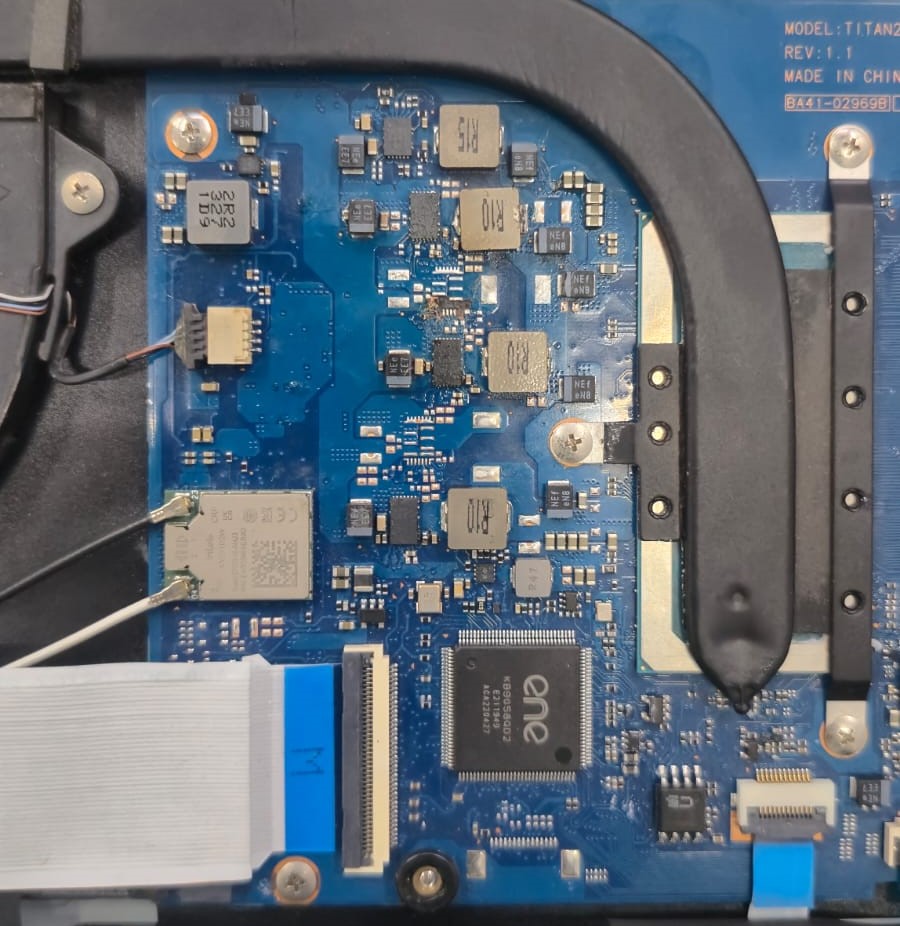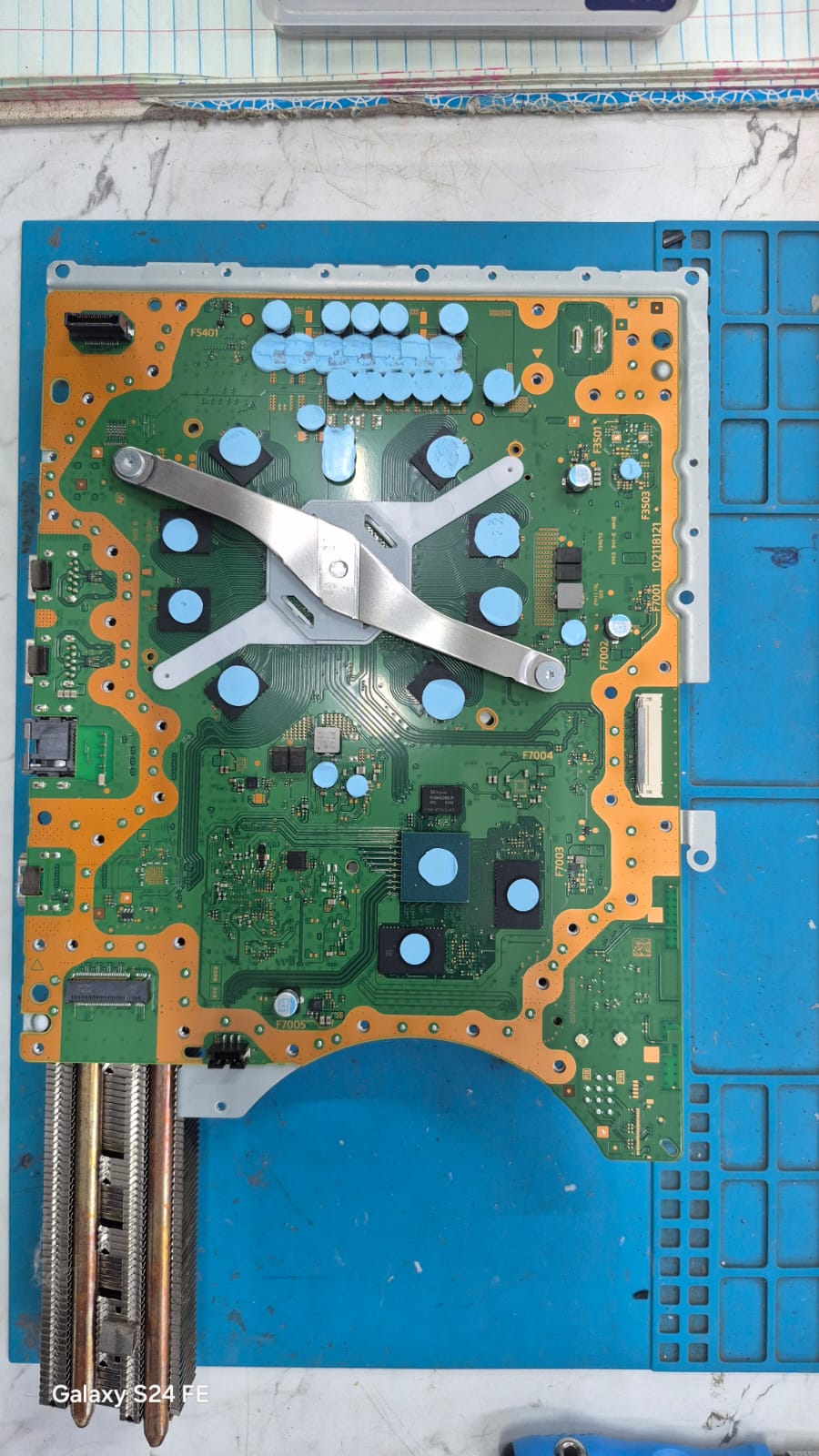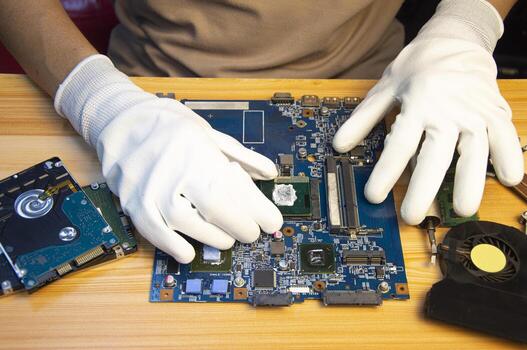
Modern laptops are becoming thinner, smaller, and more compact than ever. But behind that compact design is a motherboard packed with highly sensitive components and very little room for heat management.
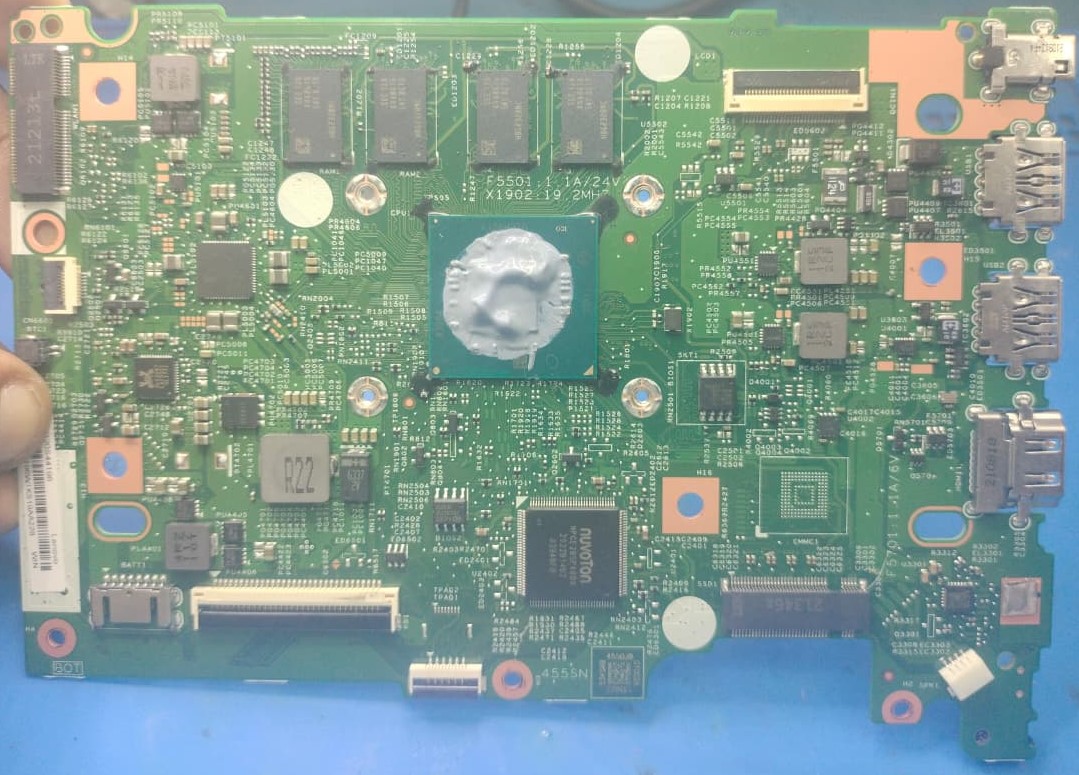
Recently, we worked on a Lenovo IdeaPad-series laptop with a particularly compact motherboard design. Unlike many traditional laptop designs, this board has a very compact layout with limited space for cooling and component access, making thermal management an important concern.
Compact Design, Complex Engineering
One of the notable features of this type of motherboard is its on-board RAM. Instead of using a removable RAM module, the memory chips are soldered directly onto the motherboard.
The storage configuration is also based around an SSD rather than a conventional mechanical hard disk. The SSD is an important part of the laptop's storage system and fits well with the manufacturer's compact design approach.
It is important to distinguish this from saying that the motherboard is electrically dependent on an SSD. The point is that the laptop's design is built around compact solid-state storage, rather than the larger mechanical drives found in older laptops.
This combination—on-board RAM, SSD-based storage, and a highly compact motherboard layout—helps manufacturers make thinner and lighter machines. However, it also means that servicing and repairing the board can be considerably more complicated.
The Heating Problem
In this particular case, excessive heat had caused serious damage to the motherboard.
The heat affected the on-board RAM section and surrounding components. Some components were found burned, and the CPU had suffered severe physical damage.
When heat continuously builds up inside a compact laptop, it can put additional stress on:
- CPU and power circuits
- On-board RAM
- Charging and power-management components
- Small surface-mounted components
- SSD and other nearby components
Why Regular Maintenance Matters
Many users assume that a laptop only needs servicing when it becomes slow or stops working. However, thermal problems can develop gradually.
Dust accumulation, restricted airflow, degraded thermal paste, or prolonged high-temperature operation can increase stress on the motherboard.
For compact laptops, preventive maintenance is especially important because there is very little physical space for heat to dissipate.
Regular inspection and cleaning can help identify thermal problems before they become expensive motherboard failures.
Repairing These Boards Requires Experience
Compact Lenovo IdeaPad motherboards can be challenging to diagnose because several important components are integrated directly onto the board.
An on-board RAM failure, for example, cannot simply be solved by removing a RAM stick and installing a new one.
Similarly, the compact storage and board layout can make access to individual components more difficult during diagnosis and repair.
When components around the CPU, RAM, storage, or power circuits are damaged, proper motherboard-level diagnosis is required. Simply replacing an individual component without identifying the underlying cause can result in repeated failure.
The Important Lesson
Small laptop does not mean simple motherboard.
In fact, compact laptops can contain some of the most densely packed and technically complex motherboard designs.
If your Lenovo IdeaPad is experiencing:
- Excessive heating
- Sudden shutdowns
- No display
- Memory-related problems
- Performance instability
- Burning smell
- Failure to power on
Early diagnosis and proper thermal maintenance can sometimes prevent a small heating problem from becoming a complete motherboard failure.
At K-Tech Computers, we handle motherboard-level diagnosis and repair for laptops and other electronic devices, including complex compact-board designs.